
Mobile-First Design: Why 60% of Your Customers Are Tapping, Not Clicking
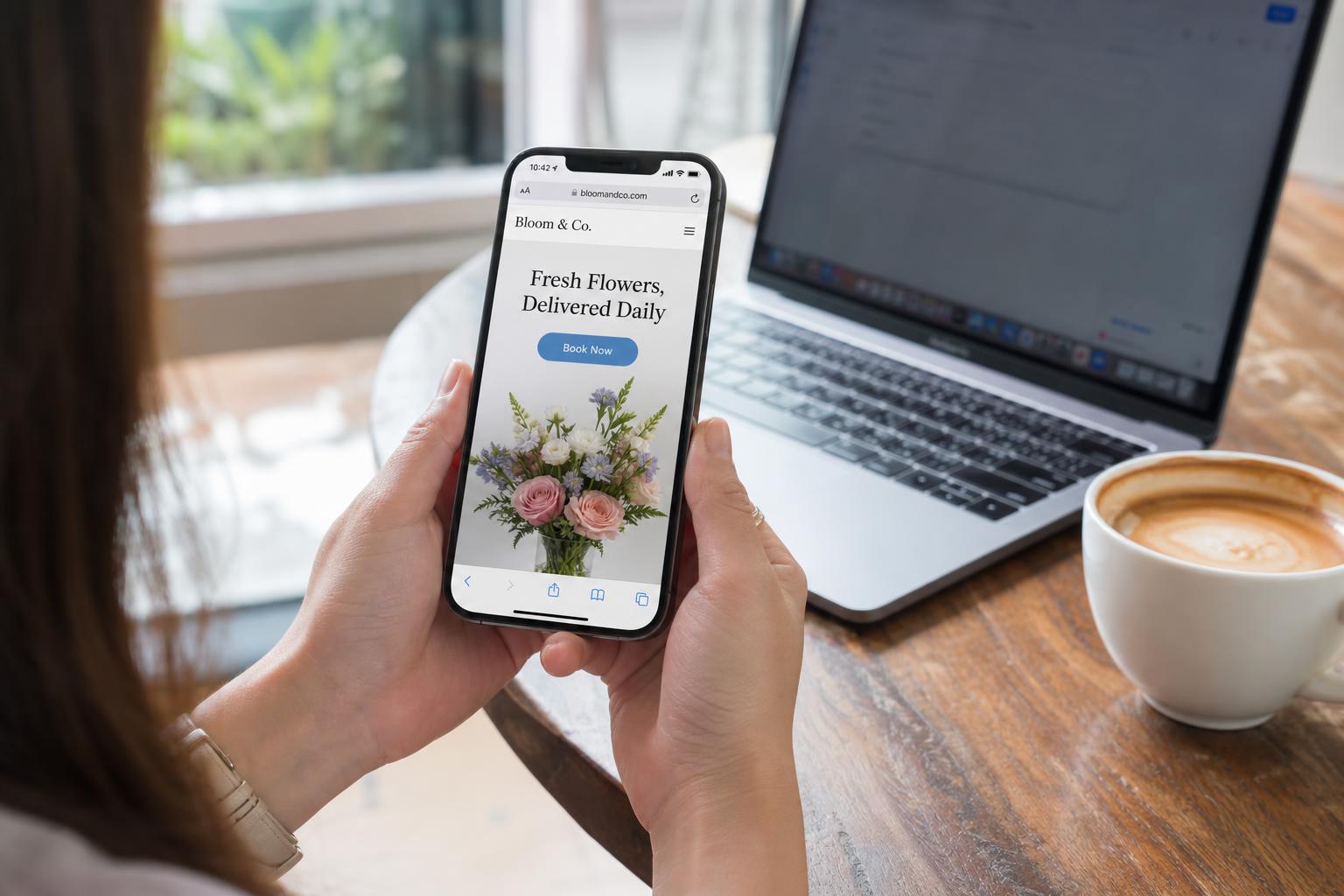
When someone Googles 'pizza near me' or 'emergency plumber,' they're almost always on a phone. If your website was designed for a laptop and shrunk down to fit, you're losing customers in the first three seconds.
Mobile-first means designed for the phone first, not adapted to it
There's a huge difference between a 'responsive' site (designed for desktop, then squashed to fit a phone) and a 'mobile-first' site (designed for the phone, then expanded for larger screens). Mobile-first sites have bigger tap targets, simpler navigation, and faster loads — because they have to.
Your most important button needs a thumb, not a mouse
On a phone, your visitor is holding the device with one hand and tapping with their thumb. The most valuable action — call, book, get directions, request a quote — should sit where the thumb naturally lands. Not buried at the bottom of a form, not hidden in a hamburger menu.
Common mobile mistakes that kill conversions
- Tiny text that requires pinching to read
- Phone numbers that aren't tap-to-call
- Forms with 10 fields when 3 would do
- Pop-ups that cover the entire screen
- Navigation menus with 8 items when 4 would do
- Images that take 5+ seconds to load on cellular
What good mobile-first design looks like
Big, friendly type. One clear primary action above the fold. A sticky 'Call Now' or 'Book' button. Forms that auto-fill and use the right keyboard (number pad for phone, email keyboard for email). Pages that load almost instantly, even on a weak signal.
The Takeaway
Open your site on your phone, on cellular data, with one hand. If you have to think for even a second about how to call, book, or get a quote — it's costing you customers.
Want a website that actually does this?
We build fast, lead-converting sites for small businesses.